
Announcement area for alerts + promotions


Our relaxing environment lets you hit ‘pause’ on life’s noise and stress.
Be calm and be still. Your body and soul need the break.
Sacred Hour is a safe haven for the whole being and is welcoming of all.
Relax, release and align body and soul with a refreshing massage.
Connect beauty, body and wellness rituals into a constellation of hours.


Download the Sacred Hour App:


Experience the ultimate classic – Swedish massage. It’s not just a body boost; it’s a vibe lifter, enhancing overall wellness.
Targeting those hard working muscles deep beneath the surface, this ultra-therapeutic massage is all about the slow and intense strokes.
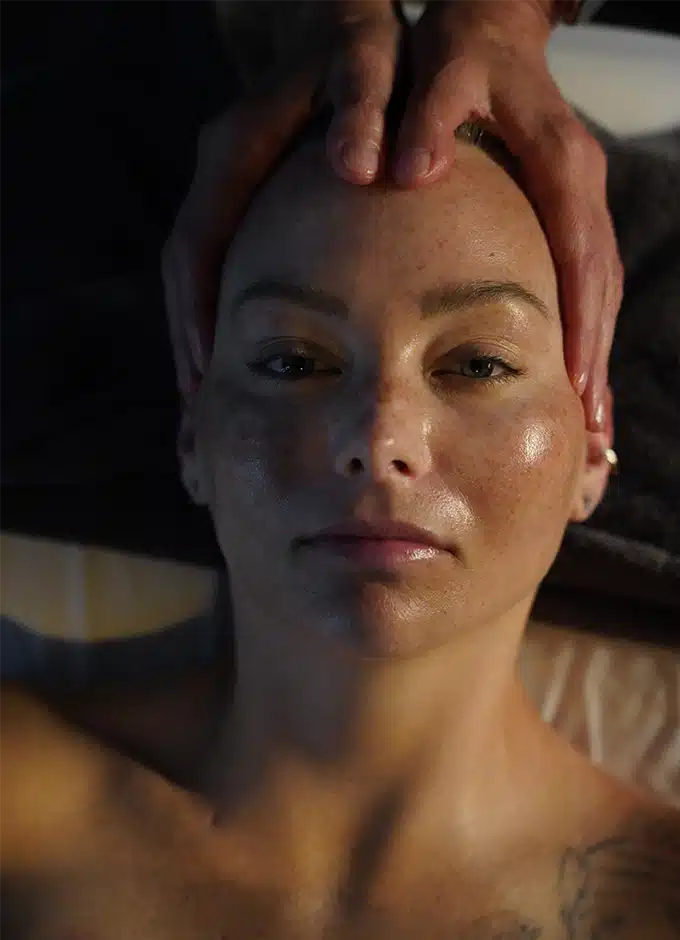
Unlock the ancient vibes with this holistic head, neck, face, and shoulder treatment
Our Prenatal Massage is a natural stress-buster, kicking pain to the curb, easing muscle tension, and amping up blood flow.
Manual Lymphatic Drainage (MLD) is a non-invasive therapy that encourages the smooth flow of lymph fluid through slow and gentle rhythmic movements.
During cupping therapy, your skilled massage therapist strategically places cups on various body areas such as the neck, shoulders, arms, back, legs, and even the face. These cups create suction, stimulating blood flow and promoting relaxation.
Indulge in shared serenity with our Couples Massage, a harmonious experience designed to deepen your connection.
Experience a facial tailored just for you with Shankara Skin Care.
This restorative treatment will regenerate your skin by gently exfoliating your outermost layers with no downtime.
Our most results-driven facial. A non-invasive procedure that provides deep cleansing,
Reveal radiant, healthy skin with the Glow-Getter, incorporating the Dr. Barbara Sturm line.
A manual exfoliation technique removes surface debris with a custom dermaplaning blade.
Popular before weddings and formal engagements, a customized 60 minute back treatment includes cleansing, exfoliation, extractions, masque and oil-free hydration.
This refreshing body scrub hydrates and brightens dull skin. Walnut Shells exfoliate while Mimosa and Bamboo Extracts create lasting softness.
Feel tension melt away under warm compresses that aid in the absorption of healing trace minerals.
We specialize in waxing and tinting services. Experience the epitome of smoothness with our expert waxing treatments, tailored to your preferences.
Elevate your natural charm with our tinting services, enhancing your features for a subtle yet striking transformation. Indulge in the perfect blend of relaxation and sophistication as you embrace the artistry of waxing and tinting at our spa.
Our signature manicure includes file and cuticle tidy, and nails gently buffed and polish removed.
File, tidy, and polish when time is short (but nails are long).
Soak, file, and cuticle tidy, heel buffing, leg and foot massage, and a soothing lavender or re-energizing green tea mint cooling mask. Polish to finish.
It’s a unique full-body scrub treatment and a head-to-toe exfoliation ritual that sheds layers of dirt which results in baby soft skin.
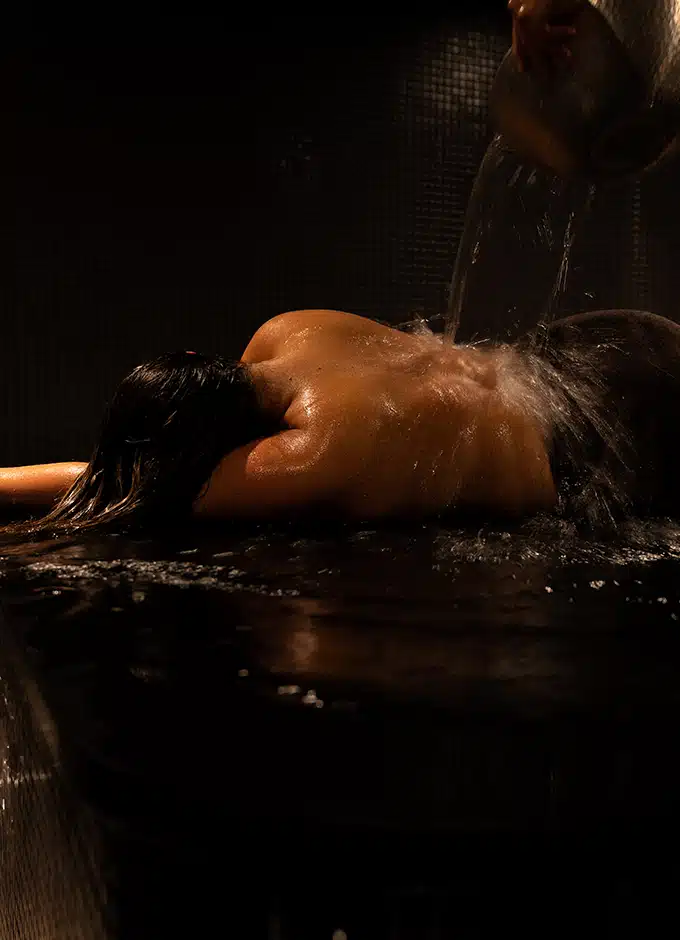
Indulge in up to a 60-minute steam with our private steam experiences.
Whether you book a couple’s steam or a private session, the hour-long session is sure to melt away stress and amplify your inner glow and energy.
Our most popular day package includes a 60-minute Signature Facial and 60-minute Deep Tissue or Swedish massage.
The dynamic duo: a Deluxe Hydrafacial and Swedish Massage.
If your mama always said, “Be good to yourself,” this is what she was talking about. Lemongrass Mimosa Body Scrub, 60-minute Signature Facial, and 60-minute Swedish or Deep Tissue Massage, because mama is always right!
For the ultimate spa lover. Experience our Korean scrub, Swedish massage, and Signature Facial before a refreshing mani-pedi.
Our Uplift Package begins with a relaxing head-to-toe, full body massage, followed by a refreshing body scrub that hydrates and brightens dull skin.
A head-to-toe relaxing massage followed by a coffee exfoliation and warm compressions.
In preparation for your new arrival: 60-minute Prenatal massage, 60-minute Signature Facial, Sacred Hour Manicure + Sacred Hour Pedicure.
Unwind knots of tension and anxiety with this abdomen-focused ritual. Lymphatic brushing and full body coffee scrub follow to move freshly generated energy and oxygen throughout the body, stimulating digestion and detoxification.
Unwind in one of our couples’ suites for this 120 minute ritual of pure relaxation, side by side.
Unwind in one of our couples’ suites for 120 minutes, together and side by side.
Had a great experience at Sacred Hour? Let someone else feel the same joy and rejuvenation of their body and spirit.
There’s no better way to say, “You crushed that project,” “I’m glad we’re friends,” or “Do something for yourself” than with a Sacred Hour Gift Card.
Experience the ultimate classic – Swedish massage. It’s not just a body boost; it’s a vibe lifter, enhancing overall wellness.
Targeting those hard working muscles deep beneath the surface, this ultra-therapeutic massage is all about the slow and intense strokes.
Unlock the ancient vibes with this holistic head, neck, face, and shoulder treatment
Our Prenatal Massage is a natural stress-buster, kicking pain to the curb, easing muscle tension, and amping up blood flow.
Manual Lymphatic Drainage (MLD) is a non-invasive therapy that encourages the smooth flow of lymph fluid through slow and gentle rhythmic movements.
During cupping therapy, your skilled massage therapist strategically places cups on various body areas such as the neck, shoulders, arms, back, legs, and even the face. These cups create suction, stimulating blood flow and promoting relaxation.
Indulge in shared serenity with our Couples Massage, a harmonious experience designed to deepen your connection.
Experience a facial tailored just for you with Shankara Skin Care.
This restorative treatment will regenerate your skin by gently exfoliating your outermost layers with no downtime.
Our most results-driven facial. A non-invasive procedure that provides deep cleansing,
Reveal radiant, healthy skin with the Glow-Getter, incorporating the Dr. Barbara Sturm line.
A manual exfoliation technique removes surface debris with a custom dermaplaning blade.
Popular before weddings and formal engagements, a customized 60 minute back treatment includes cleansing, exfoliation, extractions, masque and oil-free hydration.
This refreshing body scrub hydrates and brightens dull skin. Walnut Shells exfoliate while Mimosa and Bamboo Extracts create lasting softness.
Feel tension melt away under warm compresses that aid in the absorption of healing trace minerals.
We specialize in waxing and tinting services. Experience the epitome of smoothness with our expert waxing treatments, tailored to your preferences.
Elevate your natural charm with our tinting services, enhancing your features for a subtle yet striking transformation. Indulge in the perfect blend of relaxation and sophistication as you embrace the artistry of waxing and tinting at our spa.
Our most popular day package includes a 60-minute Signature Facial and 60-minute Deep Tissue or Swedish massage.
The dynamic duo: a Deluxe Hydrafacial and Swedish Massage.
If your mama always said, “Be good to yourself,” this is what she was talking about. Lemongrass Mimosa Body Scrub, 60-minute Signature Facial, and 60-minute Swedish or Deep Tissue Massage, because mama is always right!
Our Uplift Package begins with a relaxing head-to-toe, full body massage, followed by a refreshing body scrub that hydrates and brightens dull skin.
A head-to-toe relaxing massage followed by a coffee exfoliation and warm compressions.
Unwind knots of tension and anxiety with this abdomen-focused ritual. Lymphatic brushing and full body coffee scrub follow to move freshly generated energy and oxygen throughout the body, stimulating digestion and detoxification.
Unwind in one of our couples’ suites for this 120 minute ritual of pure relaxation, side by side.
Unwind in one of our couples’ suites for 120 minutes, together and side by side.
Had a great experience at Sacred Hour? Let someone else feel the same joy and rejuvenation of their body and spirit.
There’s no better way to say, “You crushed that project,” “I’m glad we’re friends,” or “Do something for yourself” than with a Sacred Hour Gift Card.